Instagram's 24-hour messaging window and 7-day human agent window, explained
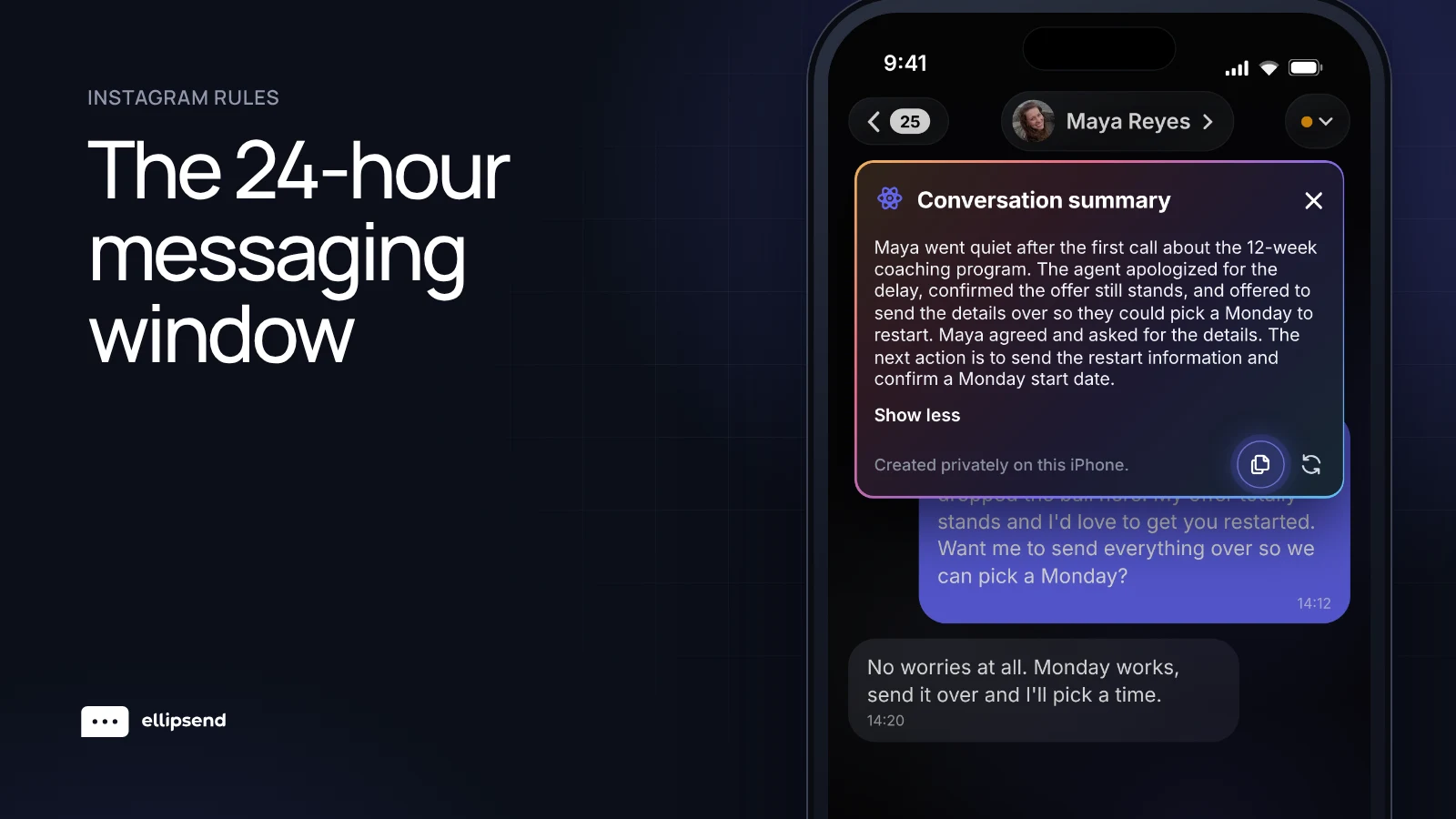
Instagram's 24-hour messaging window means a business has 24 hours to respond after a person messages it, and can send any message in that time, including promotional ones. After 24 hours, a human agent can still reply manually for up to 7 days, if the app the team uses is approved for Meta's Human Agent feature. Outside those windows, the business has to wait until the person messages, taps or comments again. For a DM setter, the person on a team who works Instagram DMs to qualify leads and book calls, every follow-up has to land inside these windows.
A lead comments on a reel, gets the automation's DM, answers one question, then goes quiet. Days pass and nobody follows up. Then the conversation locks. The lead never said no. The clock ran out.
Most setter teams know a window exists. Fewer know when it opens and what's allowed at each stage. Every Meta rule below comes from Meta's developer documentation.
Instagram messaging windows at a glance
| Window | When it opens | What a business can send | Meta source |
|---|---|---|---|
| 24-hour standard window | The person messages you, taps a button, uses an ig.me link, reacts to a message or comments on a post | Any message, including promotional ones | Messaging policy |
| 7-day human agent window | After the 24 hours, for apps approved for the Human Agent feature | Manual replies from a human agent, for 7 days | Send a message |
| Private reply to a post, reel or ad comment | The person comments | One private reply, within 7 days of the comment | Private replies |
| Private reply to a Live comment | The person comments during your Live | One private reply, only while the broadcast is live | Private replies |
| Outside every window | Nothing is open | Nothing until the person opens a new window | Instagram messaging API |
What is Instagram's 24-hour messaging window?
The 24-hour window is the period after a person messages your business when you can message them freely. Meta's messaging policy gives businesses 24 hours to respond to a user's message, and says messages sent inside that window may contain promotional content.
The person has to go first. Meta's Instagram messaging API docs say an app can only send after the Instagram user has messaged, and has 24 hours to respond.
Inside those 24 hours, a setter can send the offer, a booking link, a saved response or a voice note. It's the stretch with the most freedom.
What opens the 24-hour window?
A message from the person opens it. Meta's Send a message page also lists other actions that open the window, including tapping a call-to-action button, using an ig.me link, reacting to a message and commenting on a post.
Each new message from the lead gives you 24 hours to respond to it. Say a lead messages at 9pm Monday. You have until 9pm Tuesday to respond. If they message again at 3pm Tuesday, you have 24 hours to respond to that message too.
What is the 7-day human agent window on Instagram?
The 7-day human agent window lets a person on your team keep replying after the first 24 hours. Meta's Send a message page describes the Human Agent tag as letting a business representative respond manually for 7 days, and the messaging policy describes it as manually responding to user messages within a 7-day period.
It applies to Instagram. Meta's Instagram messaging overview says a tag can be used to reply outside the 24-hour window when a human agent needs more time.
Who qualifies for Meta's Human Agent feature?
Meta treats Human Agent as a feature an app requests through App Review. Meta's App Review guidance says to request it only if the app has a custom inbox for human escalations and agents need up to 7 days instead of 24 hours. The app has to explain why replies can take up to 7 days and show a screen recording of a human agent responding. That page doesn't state approval criteria or timelines.
A team that replies through a third-party inbox can check whether that inbox's app holds the approval.
Misuse has a cost. Meta's messaging policy says using tags outside their approved use cases may result in restrictions on the ability to send messages.
What happens to automations and follow-ups outside the 24-hour window?
Meta sorts messages into types. Per the Send a message page, regular responses and updates must go out inside the 24-hour window. A tagged message is the type used outside it, needs a valid tag and must be non-promotional.
Meta's messaging policy lists One-Time Notification, News messaging and Sponsored messages as not available on the Instagram messaging API, which are the options it points to for promotional messages outside the window on Messenger.
Here's how that plays out for a setter team.
| Time since the lead messaged | What fits Meta's rules |
|---|---|
| Under 24 hours | Automations, saved responses, offers and booking links |
| After 24 hours, within the 7-day human agent period | Manual replies from a person on the team, sent as tagged messages, which must be non-promotional, through an app approved for Human Agent |
| Past the 7 days | Nothing until the lead opens a new window |
Across the accounts we work with, the follow-ups that cause trouble are canned ones. After 24 hours, write something personal to each lead instead of sending the same message to everyone. Space them out too. We've seen more than 10 follow-ups back to back to people outside the 24-hour window act as a loud spam signal, so send 5 to 10 at a time and spread them through the day. If someone hasn't answered after three follow-ups, let them go. Meta doesn't publish thresholds for this. These are habits that have worked for us.
How do private replies to comments work?
A private reply is the DM a business sends to someone who commented, which is what every comment-to-DM automation runs on. Meta's private replies docs set three rules.
Timing. You have 7 days from the comment on posts, ad posts and reels. For Instagram Live comments, you can only send while the broadcast is live.
Count. You get one message per commenter. You can only message again after they reply, and then you're inside the normal 24-hour window.
Placement. The private reply includes a link to the post they commented on. It lands in their inbox if they follow you, and in their Requests folder if they don't.
Because you get one message until the person replies, a comment automation's first DM should ask for something small, like a tap on a button. Meta lists tapping a call-to-action button as one of the actions that opens the window, so a first DM that earns a tap gives your setter a conversation to work.
Do story mentions and story replies open a messaging window?
Meta's story mention docs cover when a business gets notified, not a separate window. The notification only fires if the account that mentioned you is public, or private and following you. Stories disappear after 24 hours or when deleted, and the media stops rendering after that.
The Meta pages we reviewed don't set out a special window for story mentions or story replies. The general rule is the one to plan around. When the person messages you, the 24-hour window opens.
If a lead mentions you in a story, look at it the same day. The story disappears after 24 hours.
Which Instagram message tags have been shut off?
Meta's Messenger Platform changelog says that effective April 27, 2026, requests using the CONFIRMED_EVENT_UPDATE, ACCOUNT_UPDATE and POST_PURCHASE_UPDATE tags return an error. Meta points to Utility Templates or the Marketing Messages API instead.
The tag Meta's Instagram messaging overview describes for replying after 24 hours is Human Agent.
What do Instagram's messaging windows mean for DM setters?
Every rule above comes down to four habits.
Respond fast. The first 24 hours are when a setter can send anything, including the booking link. Across the accounts in our benchmarks, the median speed to lead was Data coming, and Data coming of leads got a human reply within 30 minutes. Speed to lead is the time between a lead replying to your automation and a setter sending their first message, with the clock starting when the conversation is ready for a human.
Ask questions that invite a reply. Every message from the lead gives you another 24 hours to respond. A message that ends with an easy, specific question about the lead, like "where are you at with your fitness right now," invites a reply.
Don't let a lead go quiet past 7 days. A lead who stops replying hasn't said no. Once the 7 days pass, you can't find out. Work the conversations with the oldest last message first.
Land follow-ups inside the window. Say a follow-up is planned for day 9. It can't go out. In our benchmarks, Data coming of first follow-ups got a reply, and Data coming and Data coming for the second and third. Those replies only happen if the follow-up goes out while the lead can still receive it.
How Ellipsend helps setters work inside the window
Ellipsend is a DM sales platform for setter teams. Its inbox flags contacts who can't be messaged right now, and setters can filter down to only the people they can message. Speed to lead and follow-ups come from the same conversations, so a team can see how fast and how often it gets back to leads.
Comment automations can open with a message that asks for a tap, so the window is open when your setter steps in. And every lead can be tied to the post, story or ad they came from, so you can see which content brings in conversations worth chasing before the clock runs out.
Learn more about EllipsendFrequently asked questions
What is the 24-hour rule for Instagram DMs?
The 24-hour rule for Instagram DMs is Meta's policy that a business has 24 hours to respond after a person messages it. Inside that window the business can send any message, including promotional ones. Each new message from the person gives the business 24 hours to respond to it.
Can a business message someone on Instagram after 24 hours?
A business can message someone on Instagram after 24 hours only through a human agent, for up to 7 days. Meta's Human Agent feature allows manual replies in that period, and the app the team uses has to be approved for it through Meta's App Review. Tagged messages, the type used outside the 24-hour window, must be non-promotional.
What is the Human Agent tag on Instagram?
The Human Agent tag is Meta's feature that lets a business representative reply manually to an Instagram message for up to 7 days, instead of the standard 24 hours. Apps request it through Meta's App Review by showing a custom inbox and a screen recording of a human agent replying.
How long do you have to DM someone who commented on your Instagram post?
A business has 7 days from the comment to send a private reply to someone who commented on an Instagram post, reel or ad post. For Instagram Live comments, the private reply has to go out during the broadcast. Either way, the business gets one message until the person replies.
Can Instagram automations send follow-ups after 24 hours?
Instagram automations should send inside the 24-hour window. Meta describes the 7-day human agent period as a business representative responding manually, and tagged messages sent outside the 24-hour window must be non-promotional. Follow-ups after 24 hours should come from a person on the team, written for that lead.
What happens when the Instagram 7-day window closes?
When the Instagram 7-day window closes, the business can't message that person until they open a new window. A new message, comment or button tap from them does that and starts a fresh 24 hours. That's why setters work the leads closest to 7 days of silence first.
 Know which posts make you money
Ellipsend gives setter teams one DM inbox, a sales pipeline and revenue traced to every post.
Try Ellipsend