Instagram comment-to-DM automations: how to set them up the right way
A comment-to-DM automation sends an Instagram DM to anyone who comments a keyword on your post, and DM keyword and story reply automations do the same when someone messages you the keyword. To set them up the right way, give each post its own keyword, deliver exactly what the post promised in the first message with the link sent as a button, then ask one question about the lead. For a low-ticket product the automation can make the sale. For a high-ticket offer, a DM setter (the person on your team who qualifies leads in the DMs and books calls) takes over once the lead answers.
Most automations are built to look busy. A post goes out, 300 people comment the keyword, 300 DMs go out, and the dashboard looks great. Then nobody follows up, and nobody can say which post the buyers came from.
An automation is the start of a sale. Build it like one.
What are comment-to-DM, DM keyword and story reply automations?
They're three common ways a piece of content turns into a DM conversation. What the lead does first changes what Meta lets you send.
| Automation | What the lead does | What you can send right away |
|---|---|---|
| Comment-to-DM | Comments a keyword on a post or reel | One private reply, then more only after they respond |
| DM keyword | Sends you the keyword in a DM | Messages inside the 24-hour window |
| Story reply | Replies to your story with the keyword | Messages inside the 24-hour window (see below) |
The comment row is the one people get wrong. Meta allows one private reply per person who comments, sent within 7 days of the comment, and further messages only after that person replies. For Instagram Live comments, the reply has to go out during the broadcast.
DM keywords are simpler. The lead has already messaged you, which opens Meta's 24-hour window for responding, so your automation can deliver the goods straight away. A story reply also arrives as a message from the lead, so we treat it the same way. Meta's pages don't spell out a separate rule for story replies.
What is an automation's job?
An automation has one job. Start the conversation and give the lead the thing they asked for, instantly. What happens next depends on what you sell.
Low-ticket. A $27 template, a mini course, a digital product. The automation can make the sale on its own. Someone comments, the DM delivers a free resource or a checkout link, and they buy without talking to a person.
High-ticket. A $5,000 coaching program or anything sold on a call. Nobody buys that from an automation. The automation opens the door and a setter qualifies the lead, answers the real questions and books the call.
Most problems come from mixing these up. High-ticket teams build automations that try to do the setter's job with five messages of pitch and a booking link, and the lead goes cold. The automation should hand the setter a warm conversation, then get out of the way.
How should you choose keywords?
Give every post, story or call to action its own keyword. GUIDE on Tuesday's reel. PRICES on Friday's story. A new word for the next one.
There are two reasons. The keyword is how you know where the lead came from. A comment is tied to its post, but a DM keyword or story reply only points back to the content if the word is unique to it. Reuse one keyword across ten posts and every lead looks the same.
Keywords also collide. When two active automations match the same word, the result can be unpredictable. Both might fire, or only one, and it may not be the one you meant. One keyword per automation avoids that.
Make the keyword easy to type, because people misspell and pluralize. Check how your tool matches. Some match only the exact word, and others also match any comment that contains it. A "contains" match is more forgiving, and adding common misspellings as extra keywords catches most of the rest. Test it by commenting from a second account before the post goes live.
What should the first message say?
The first message delivers what the post promised. Nothing else.
On a comment automation, you get one message before the lead has to respond, so make it easy to respond to. A short line with a tap-to-reply button works well. Something like "Hey, thanks for commenting. Tap below and I'll send that over." In the setup we recommend, the button sends its text back as a reply from the lead, and that reply lets the rest of the automation send. Check that your tool works the same way before you rely on it.
Then deliver. Keep it short, like "Here you go," and send the link as a button, not a URL pasted into the text.
Buttons matter for two reasons. In our setup, a link sent as a button carries a tracking tag that identifies the lead, so anything they do after the click can be tied back to them. A pasted link goes out without one. And in what we've seen across the accounts we work with, plain-text links are the most common reason Instagram stops an account from sending links, likely because the same pasted link going to hundreds of people looks like spam. We haven't found a threshold Meta publishes for this, so treat buttons as a habit that has worked, not a guarantee.
Two more things to leave out of the first message.
Don't ask for an email or phone number before you deliver. In our experience, a lot of people stop right there, and the ones who continue arrive colder because the first thing you did was ask for something. You're already in a conversation, which is what the email was supposed to get you. The email comes later, when they book or buy.
Don't send a wall of text. A DM is a chat window on a phone, and three paragraphs before the link means it never gets tapped.
When should a human setter take over?
Right after the lead answers a question about themselves.
The last step in the automation is one open-ended question tied to what you sell. Ask it straight after you've delivered something of value, because that's when people are most willing to answer. Ask the first thing your setter would ask anyway, then tell them what answering gets them.
A fitness coach might send this after the free guide. "By the way, how long have you been trying to get in shape? I'd love to send you a few more resources that fit where you're at."
Their answer is the handoff. They're in the conversation right now, and a person should reply. The automation stops there. Check that your tool pauses automations for a lead once a teammate messages them, so an automated message never lands in the middle of a real conversation.
Speed matters here, because the lead is live. Across the accounts in our benchmarks, Data coming of leads got a human reply within 30 minutes of being ready for one. Somebody has to be in the inbox when the comments come in.
Follow-ups come from the setter too, not the automation. Inside 24 hours of the lead's last message, a saved message is fine. After that, Meta's human agent window lets a person respond manually for up to 7 days, and those replies should be personal and non-promotional. Write those follow-ups to the person, not as one canned message sent to everyone.
The leads who never answer aren't lost. A setter can follow up with them after working the ones who replied.
How do you tag a lead's source and pipeline stage?
Every lead the automation touches should land in your pipeline with two things recorded. Where they came from, and where they are now. Source is the post, story or ad that triggered the automation. Record it the moment they comment or message, before any link goes out. In our setup, a link sent first has no campaign attached, so the click has nothing to tie to.
Stage is where the lead sits in your pipeline. A simple setup uses two for automated leads.
| Stage | Who's in it | What the setter does |
|---|---|---|
| New lead | Everyone who triggered the automation | Follows up later, after engaged leads |
| Engaged lead | Leads who answered the question | Replies first, while they're still in the conversation |
That split is what lets a setter with 40 conversations open know who to work first. Without it, everyone who commented looks the same.
When the lead books a call or buys, record it on the same lead. That's how a sale gets credited back to the post that started it, and the automation is where that chain starts.
What are the most common automation mistakes?
| Mistake | What happens | Fix |
|---|---|---|
| Links pasted as plain text | No tracking, and in what we've seen, link notices are more likely | Send every link as a button |
| No human follow-through on high-ticket offers | Warm leads go cold in the inbox | End the automation with a question and have a setter work the answers |
| No source or stage tracking | Sales can't be credited to content | Record source and stage before the first link goes out |
One more doesn't fit in a table. Don't sell in the post. "Comment GUIDE and I'll send you the exact template I use" gives value. "Comment GUIDE and I'll show you how to make $10,000 a month" sells a life outcome off a one-word comment. In what we've seen, a big promise tied to a one-word comment is the kind of pattern that gets accounts flagged. Give value from the content and sell in the DMs.
How Ellipsend runs comment and keyword automations
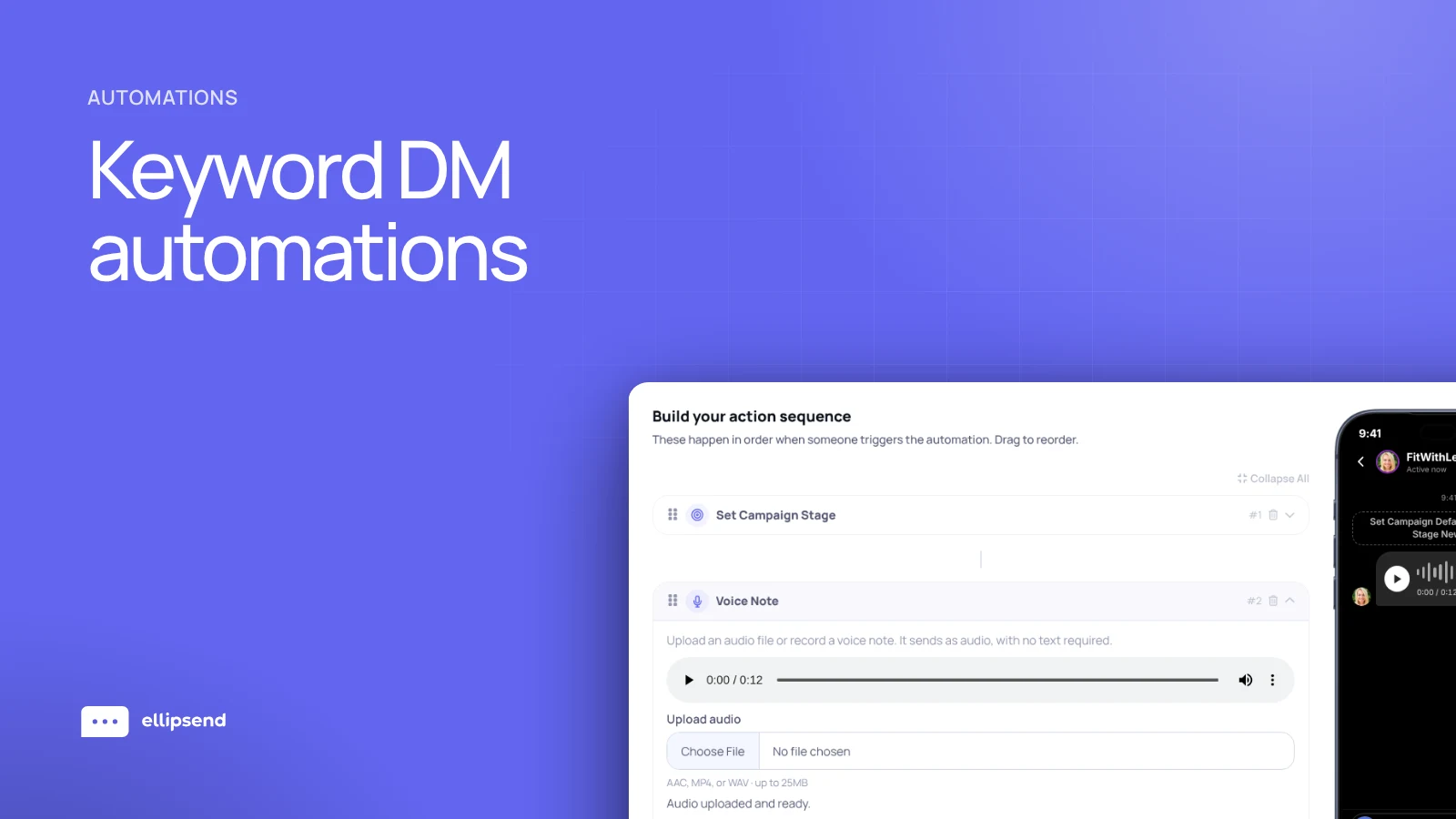
Ellipsend is a DM sales platform for setter teams. Its automations are keyword-driven and can follow this exact pattern. They start the conversation, deliver the resource as a tracked button, ask the question, and put each lead into your pipeline with the post, story or ad they came from. Setters then work the inbox by stage.
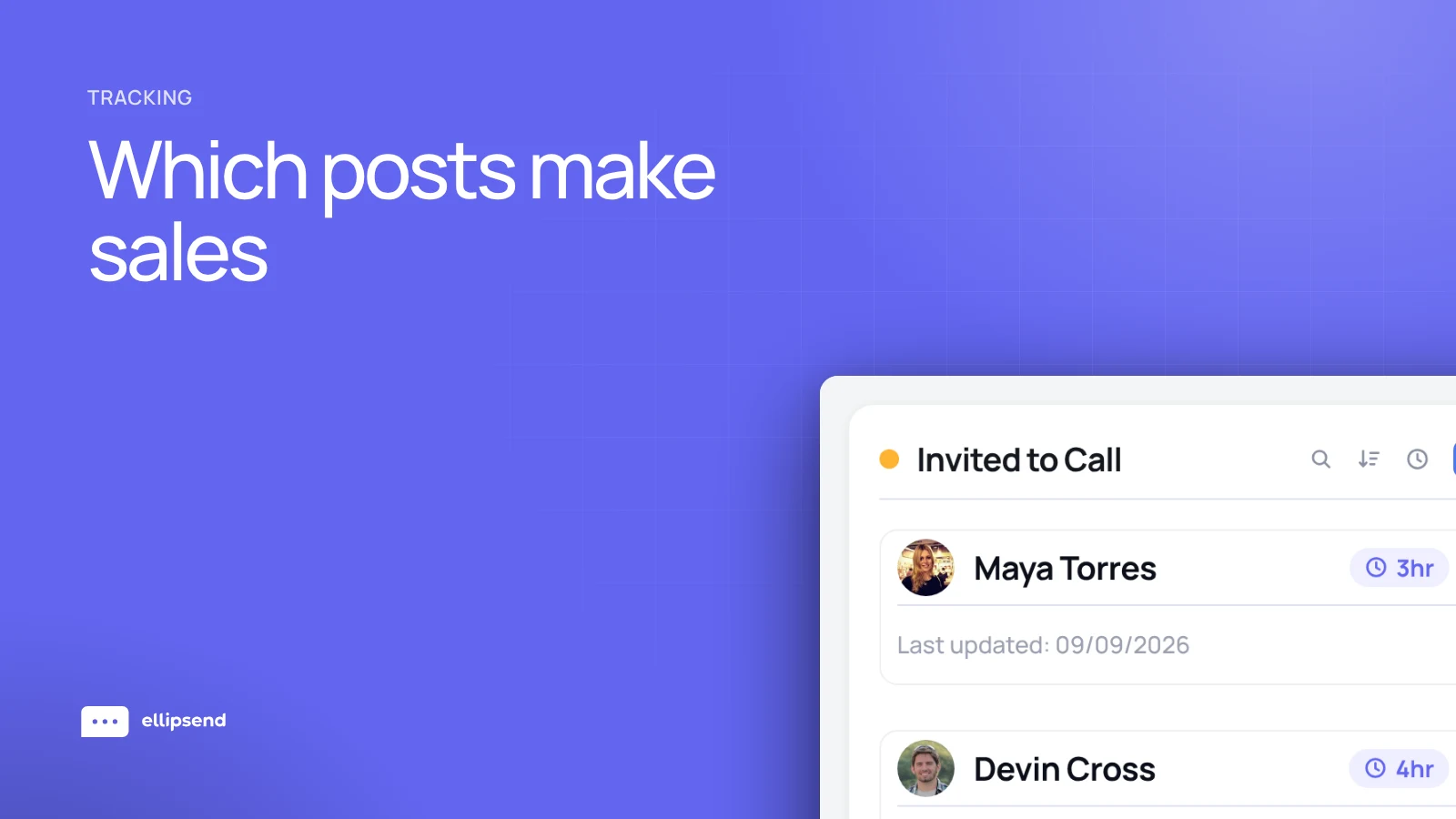
Because each lead keeps its source, bookings and sales can be credited to the post that started them, so you see revenue per post. Speed to lead and follow-ups come from the same conversations, so you can tell whether a slow week came from the content or the follow-up.
Learn more about EllipsendFrequently asked questions
What is a comment-to-DM automation on Instagram?
A comment-to-DM automation on Instagram sends a direct message to anyone who comments a chosen keyword on your post or reel. It delivers a free resource or link instantly and starts a conversation that a person on your team, or the automation itself for low-ticket products, can turn into a sale.
How many messages can an automation send after someone comments?
After someone comments on an Instagram post, an automation can send one private reply, within 7 days of the comment. Meta only allows further messages after that person replies, according to its private replies documentation. That's why the first message should ask for a tap or a reply.
Should I use a different keyword for every Instagram post?
Yes. Give each post or call to action its own keyword on Instagram. It tells you which piece of content brought each lead in, and it stops two automations from firing on the same word.
Should I send links as buttons or plain text in Instagram DMs?
Send links in Instagram DMs as buttons. In Ellipsend, a link sent as a button carries a tracking tag that ties clicks, bookings and sales back to the lead, and a pasted link doesn't. Across the accounts we work with, plain-text links are also the most common reason we see Instagram stop an account from sending links. We haven't found a threshold Meta publishes for this.
When should a human setter take over from a DM automation?
A human setter, the person who qualifies leads in the DMs and books calls, should take over as soon as the lead answers the automation's question about themselves. At that point the lead is in the conversation and ready for a person, so speed matters. The automation should pause once the setter replies.
Should a DM automation ask for an email before sending the freebie?
No, not if your team works the DMs. In our experience, asking for an email or phone number before delivering anything makes fewer people continue, and the ones who do arrive colder. You're already in a conversation with the lead. Collect the email later, when they book a call or buy.
 Know which posts make you money
Ellipsend gives setter teams one DM inbox, a sales pipeline and revenue traced to every post.
Try Ellipsend