Meta Business Suite inbox vs Ellipsend for DM setter teams
Meta Business Suite's inbox is free and handles what a small team needs to answer DMs, including assigning conversations, labels, notes, saved replies and simple keyword automations. Ellipsend is a paid DM sales platform for DM setter teams, meaning the people who work your Instagram and Facebook DMs to qualify leads and book calls. It adds a sales pipeline, can credit each sale to the post that started the conversation and can show each setter's dollars per DM conversation (dollars per DM). If you answer your own DMs, Meta's inbox is enough. Once a team is selling in the DMs and you need to know what each conversation is worth, move to Ellipsend.
Most teams start in Meta's inbox. It's free, it's already connected and everyone knows where it is. It works until the owner asks a simple question, like which setter made the most money last month or which reel brought in the buyers. The inbox can show who answered a conversation. Its help pages don't describe a way to show what that conversation was worth.
Meta Business Suite inbox vs Ellipsend at a glance
| Feature | Meta Business Suite inbox | Ellipsend |
|---|---|---|
| Cost per month, billed annually (as of October 2026) | ||
| Cost per month, billed annually (as of October 2026) | Free | Core $29, Pro $249, Pro+ $399, Premium $749 |
| What you pay for contacts | ||
| What you pay for contacts | Free | Unlimited contacts on every plan, no per-contact fees |
| Channels | ||
| Channels | Messenger, Instagram and WhatsApp messages, plus Facebook and Instagram comments | Instagram and Facebook DMs and comments |
| Assigning conversations | ||
| Assigning conversations | Assign by hand, plus an "Assign admins" automation template | Assign by hand, plus automatic rotation by the percentage you set for each setter |
| Contact details | ||
| Contact details | Labels, notes, email and phone number | Labels, notes and the sales logged on each lead |
| Saved replies | ||
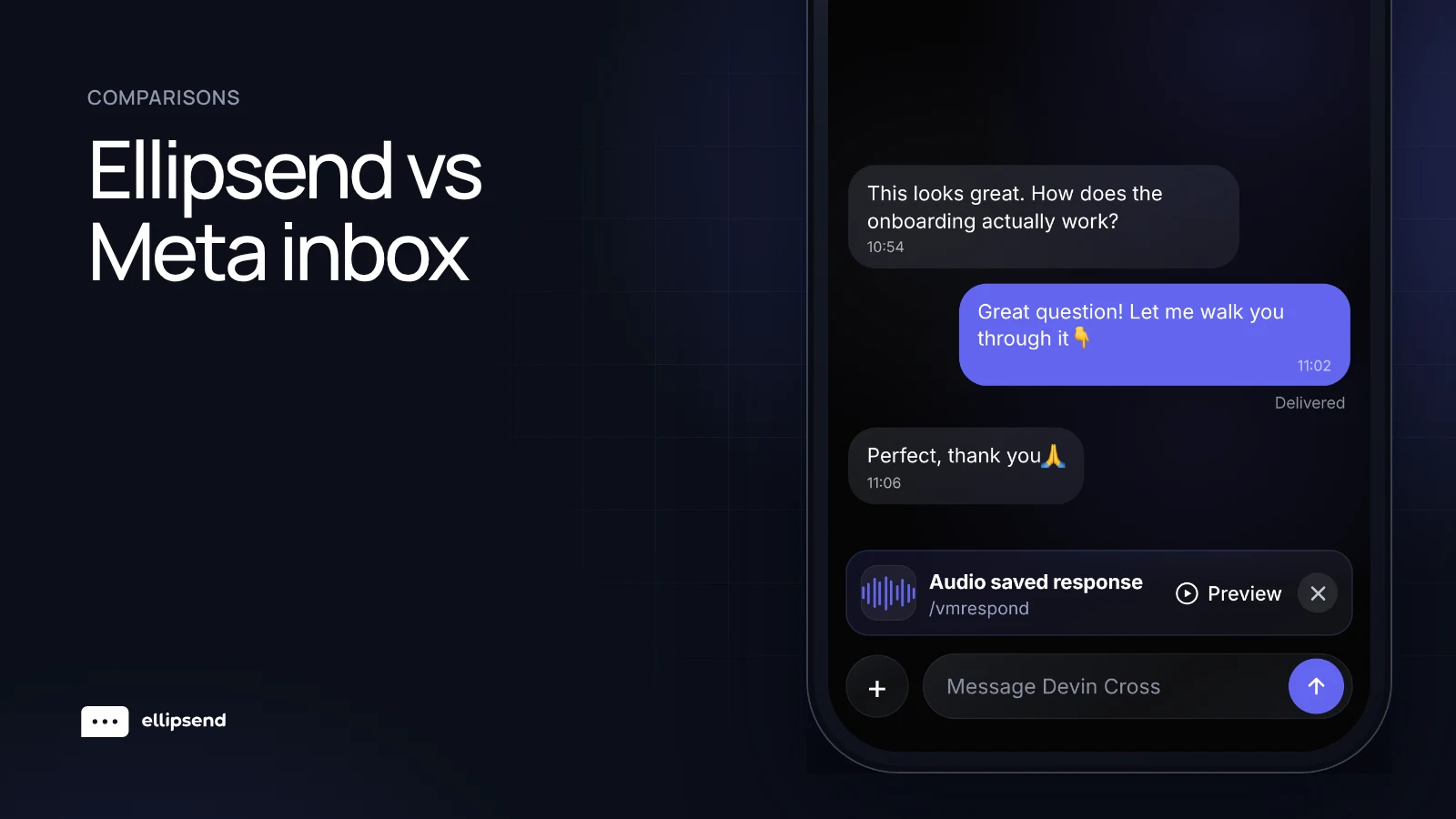
| Saved replies | Saved replies, suggested when they fit the conversation | Save voice notes and reuse them in any conversation, plus saved responses with link buttons |
| Keyword automations | ||
| Keyword automations | Up to 5 keywords per automation, exact match, set up on desktop, sent after 15 minutes unless you reply first | Exact match or contains keywords on comments, story replies, DMs, Live comments and ads, sent instantly |
| Leads | ||
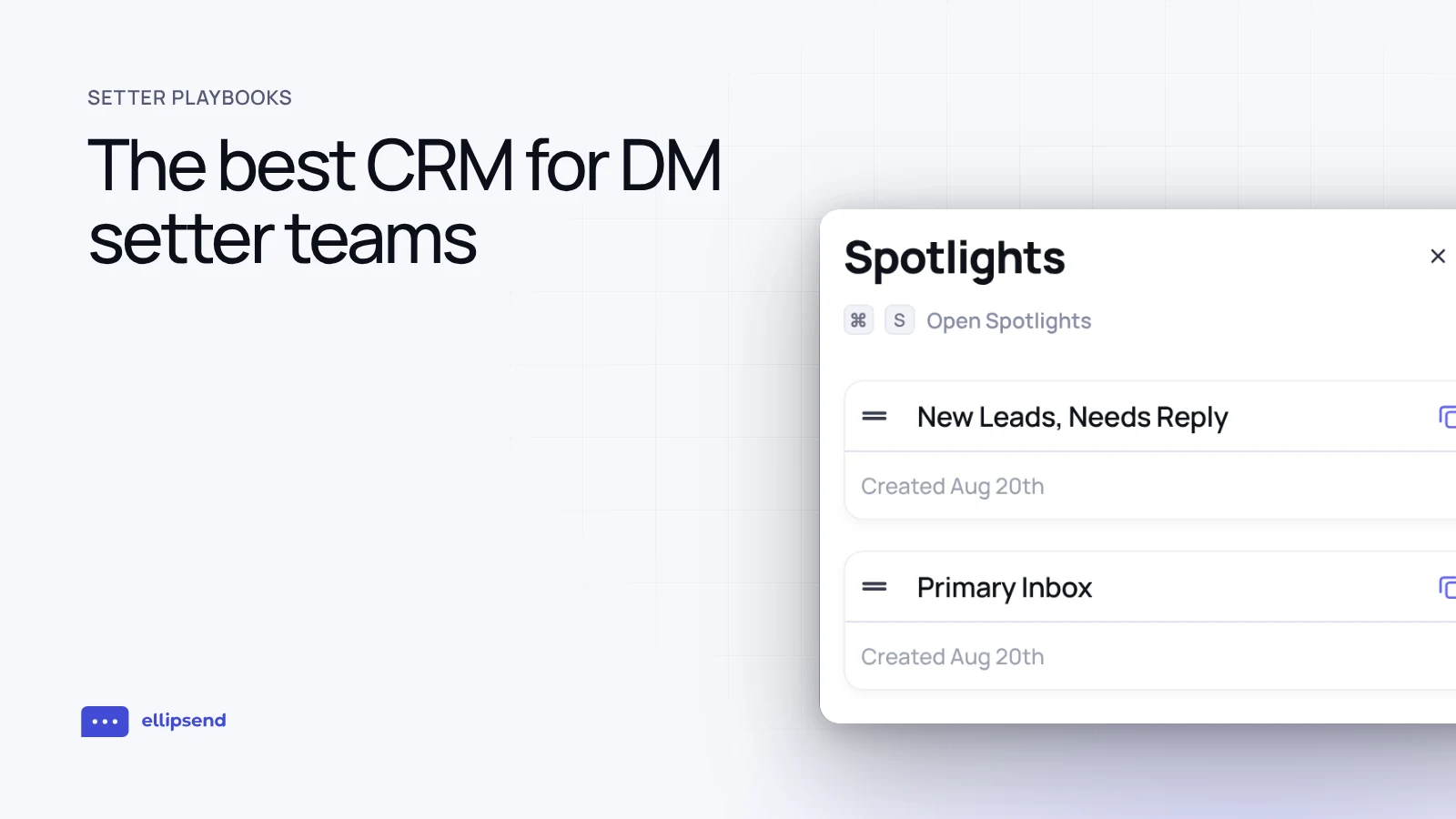
| Leads | A Leads tab to track, filter, sort and message leads | Every lead sits in a sales pipeline with stages |
| Sales pipeline and deal values | ||
| Sales pipeline and deal values | Not described in Meta's help pages | Pipeline stages, with each sale logged on the lead, including the amount received and the amount expected |
| Revenue by post | ||
| Revenue by post | Not described in Meta's help pages | Each sale can be credited to the post, story or ad the lead came from |
| Setter performance | ||
| Setter performance | Not described in Meta's inbox help pages | Dollars per DM, response rate and messages sent for each setter, with speed to lead and follow-ups drawn from the same conversations |
| Mobile | ||
| Mobile | Inbox on desktop and mobile, keyword automations set up on desktop only | iOS and Android apps, automations and reports on the web |
Ellipsend never charges per contact, so a viral reel that floods your DMs doesn't raise your bill.
What does Meta's inbox do well?
A lot, for free. Meta Business Suite costs nothing on desktop or in its mobile app. You need a business portfolio holding your Page, Instagram account and ad account.
The inbox puts Messenger, Instagram and WhatsApp messages in one place, and you can filter by platform. Facebook and Instagram comments land there too, so you can reply and mark them for follow-up.
Team basics are there. You can assign conversations to the people who manage your messages, remove an assignment and see each person's conversations in an Assigned view. Opening a conversation shows the customer's details, and you can add labels, email, phone number and notes. Notes stay private to you and the people who manage your Page.
Finding things is easy. Filters cover unread, needs follow-up, the assigned person and ad responses, meaning messages sent in response to an ad. Search covers people, labels and message content. A Leads tab lets you track leads, filter and sort them by key details and message them.
Replies get faster too. Inbox suggestions can propose a reply based on the conversation, offer to save a reply you send often and surface saved replies when they fit. Suggestions never send on their own.
The inbox runs on desktop and mobile. One caveat from Meta's own pages is that some messaging features aren't available in Europe and Japan.
How do keyword automations work in Meta Business Suite?
Meta's inbox comes with automation templates for instant replies, away messages, FAQs, location, contact info, hours, custom keywords, comment to message, flagging unanswered messages and assigning admins. They work across Messenger, Instagram and WhatsApp, though some depend on which channels you've connected.
The custom keyword automation is the one a DM seller cares about. Per Meta's help page, it has a few rules worth knowing before you build a launch around it.
| Rule | What Meta says |
|---|---|
| Where you set it up | Desktop only |
| Keywords per automation | Up to 5 keywords or phrases |
| Matching | Case-sensitive, must match exactly |
| Reusing a keyword | A keyword can be in only one keyword automation |
| What it can send | Photos, videos, buttons, links and other personalization |
| When it sends | After 15 minutes, unless you reply yourself first |
The last row matters most. Someone who comments on a reel asking for your free guide is most interested right then. With Meta's keyword automation, they get the guide 15 minutes later unless somebody on your team beats it.
Exact matching needs care too. A lead who types your keyword in a different case, or adds a word around it, may not get the automation. Add the variations you expect as extra keywords, and keep in mind you only get five.
The comment to message automation replies to comments containing the keywords or phrases you set, and it's also set up on desktop only.
For a creator answering their own DMs, all of this is workable. The delay is the part a setter team feels, because the automation's job is to deliver value instantly and get the lead talking.
Where do DM setter teams outgrow Meta's inbox?
At the point where the question changes from "did someone answer" to "what did that answer make." Three gaps show up.
No sales pipeline described
Meta's help pages describe the Leads tab, labels and notes. They don't describe a sales pipeline, deal stages or deal values. A common workaround is labels like "Qualified" and "Call booked," with the money kept in a spreadsheet. That can hold for a few weeks. Then a setter forgets a label and the sheet stops matching reality.
No revenue tied back to posts
The ad response filter tells you a message came from an ad. Meta's inbox help pages don't describe tying a sale back to the post, story or ad that started the conversation. For a team running a dozen posts a week with a keyword on each, that's the number that decides what to post next. Without it, the reel with the most views gets credit for sales it may never have made.
No setter performance numbers documented
You can see which conversations are assigned to whom. Meta's inbox help pages don't describe revenue per teammate or any per-setter sales numbers.
The number that matters is dollars per DM, which is the revenue (total sale value, including payment plans) from a setter's leads divided by the number of leads that setter messaged. Say two setters each work 150 conversations in a month. One setter's leads pay $6,000 and the other's pay $2,400. That's $40 per conversation against $16. Message counts and assignment views won't show you that gap. It decides who gets more leads, who needs coaching and how you pay bonuses.
Who should use Meta's inbox and who should use Ellipsend?
| Your situation | Better fit |
|---|---|
| You're a solo creator answering your own DMs | Meta Business Suite inbox |
| A small team handles customer questions, not sales | Meta Business Suite inbox |
| You sell on WhatsApp and want it in the same inbox | Meta Business Suite inbox |
| Setters qualify leads and book calls in the DMs | Ellipsend |
| You need to know which posts and ads produce sales | Ellipsend |
| You pay or rank setters on results | Ellipsend |
The line is simple. If you, or one or two people, answer DMs and nobody needs a number at the end of the month, stay on Meta's inbox and don't pay for something you won't use. Once setters are selling and you're making decisions about content, leads and pay, you need the inbox to record sales as well as messages.
How Ellipsend fits a DM setter team
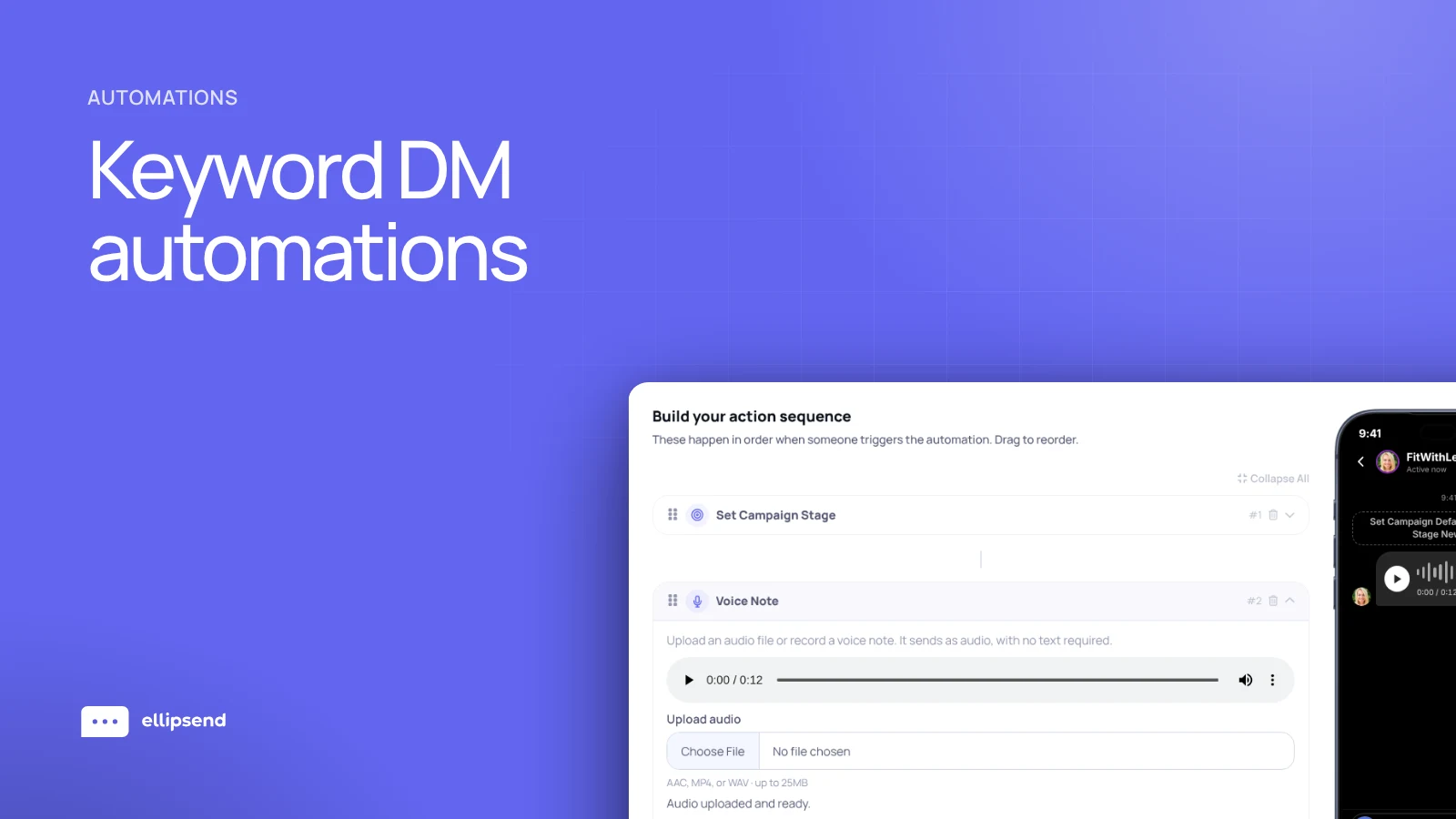
Ellipsend is the DM sales platform for setter teams. Keyword automations on your posts, stories, Lives and ads send the free resource instantly, then ask one question so a setter can take over when the lead answers. New leads rotate between setters by the percentage you set, and every lead sits in a pipeline your team moves through to the sale.
Every link sent as a button gets tracked, and each sale can be credited to the post, story or ad that started the conversation. Reports show each setter's dollars per DM next to their response rate. Speed to lead, meaning the time between a lead replying to your automation and a setter sending their first message, and follow-ups come from the same conversations, so you can see who's selling and which content is feeding them good leads.
Learn more about EllipsendFrequently asked questions
Is the Meta Business Suite inbox free?
Yes, the Meta Business Suite inbox is free. Meta Business Suite costs nothing on desktop or in its mobile app, and it needs a business portfolio that holds your Facebook Page, Instagram account and ad account, per Meta's help center.
Can you assign Instagram DMs to setters in Meta Business Suite?
Yes, Meta Business Suite lets you assign conversations to the people who manage your business's messages, across Messenger, Instagram, WhatsApp and comments. Meta documents the assign flow on desktop. An "Assign admins" automation template can assign new conversations automatically, though Meta's help page doesn't say how it splits them.
Does Meta Business Suite have a sales pipeline?
Meta Business Suite's inbox has a Leads tab, labels and notes, which cover basic lead tracking. Its help pages don't describe a sales pipeline, deal stages or deal values. Teams that need to track a lead from first DM to sale, with amounts, often look for a DM CRM, meaning a CRM built around Instagram and Facebook conversations.
Why does my Meta Business Suite keyword automation take 15 minutes?
Meta Business Suite sends a custom keyword automation after 15 minutes unless you reply yourself first, according to Meta's help page on automated responses. The same page says keyword automations are set up on desktop, take up to 5 keywords and need an exact, case-sensitive match.
What are the 24-hour and 7-day messaging windows on Instagram?
The 24-hour window is the time a business has to reply after someone messages it, under Meta's messaging policy for apps that connect to Instagram and Messenger. The Human Agent tag extends that to 7 days for replies sent by a person, and apps request it through Meta's App Review. For comments, a business can send one private reply within 7 days of the comment, and can only message again after the person replies.
Can you see which setter made the most money in Meta Business Suite?
The Meta Business Suite inbox help pages don't describe revenue per teammate or tying a sale back to a conversation. Teams that want this track dollars per DM conversation, which is the revenue (total sale value, including payment plans) from a setter's leads divided by the number of leads that setter messaged, in a DM sales platform that logs each sale on the lead.
 Know which posts make you money
Ellipsend gives setter teams one DM inbox, a sales pipeline and revenue traced to every post.
Try Ellipsend