Ellipsend vs ManyChat: which one fits a DM setter team?
ManyChat is a marketing automation tool for Instagram, Facebook Messenger, WhatsApp, TikTok and other channels, built for creators and small businesses that want comments and DMs answered automatically. Ellipsend is a DM sales platform for teams of human setters, the people who qualify leads and book calls in Instagram and Facebook DMs. It adds a sales pipeline, setter performance reporting and revenue traced back to the post each lead came from. If automations do your selling, ManyChat fits. If people do the selling, Ellipsend is built for that.
I ran one of the top ManyChat agencies globally. It's very good at what it was built for, which is starting conversations automatically at scale.
The trouble starts when the person sending the DMs is a setter. Four setters share one inbox, leads go quiet halfway through, and the owner wants to know which reel brought in last month's $40,000. That's a different job.
Ellipsend vs ManyChat at a glance
| Feature | ManyChat | Ellipsend |
|---|---|---|
| Built for | ||
| Built for | Creators, small businesses, eCommerce sellers, social marketers, brands and agencies | Teams of human setters selling in Instagram and Facebook DMs |
| Channels | ||
| Channels | Instagram, Facebook Messenger, WhatsApp, TikTok, Telegram, SMS and email (how many depends on plan) | Instagram and Facebook |
| Automations | ||
| Automations | Comment-to-DM, keyword DMs and more triggers listed in its help center, including story replies, story mentions, share to DM and follow to DM (beta). Flow Builder and an AI flow generator | Keyword automations on comments, story replies, DMs, Live comments and ad messages |
| Team inbox and seats | ||
| Team inbox and seats | Unified Inbox with labels, notes, reminders and scheduled messages. 1 to 10 users depending on plan. Shared team Inbox with conversation assignment from the Business plan up | Shared inbox for the whole setter team, with manual and automatic assignment, labels, notes and saved responses |
| Sales pipeline | ||
| Sales pipeline | Tags, custom fields and segments. No pipeline or deal stages in its docs | Pipeline stages a setter moves leads through, plus activities that record qualified, booked and purchased |
| Setter reporting | ||
| Setter reporting | Analytics (beta) covers automation sends, clicks and contacts captured. Official docs describe no per-setter reporting | Messages, response rate, dollars per DM conversation (dollars per DM), speed to lead and follow-ups for each setter |
| Revenue attribution | ||
| Revenue attribution | Per-post leaderboard of reach, engagement, automation sends, click-through rate and contacts captured. No revenue in current docs | Revenue, bookings and qualified leads can be credited to the post, story or ad each lead came from |
| AI | ||
| AI | AI Replies (beta, Instagram, Pro plan and up) answers DMs and comments from a knowledge library and can hand off to a person | No AI replies. Keyword automations start conversations and setters sell |
| Integrations | ||
| Integrations | Zapier, Make, HubSpot, Google Sheets, Klaviyo, Conversions API and an API | Calendly, GoHighLevel, Zapier and an API |
| Price per month, billed annually (as of October 2026) | ||
| Price per month, billed annually (as of October 2026) | Free $0, Essential $14, Pro $29, Business $69, Advanced $139 | Core $29, Pro $249, Pro+ $399, Premium $749 |
| What you pay for contacts | ||
| What you pay for contacts | Priced by active contacts (25 to 25,000), extra contacts $0.004 to $0.10 each | Unlimited contacts on every plan, no per-contact fees |
ManyChat's pricing above is what its pricing page shows for new accounts. Its help center says accounts created before March 2, 2026 may still be on older pricing that scales with contact count.
Ellipsend never charges per contact, so a viral reel that floods your DMs doesn't raise your bill.
What is ManyChat best at?
Automation depth. ManyChat does comment-to-DM on posts and reels, and its help center lists triggers for story replies, story mentions, share to DM and a follow to DM trigger it labels beta. It has Quick Automations, a Flow Builder and an AI tool that generates flows, and it can collect emails and phone numbers to build lists.
Channels. One ManyChat account can run Instagram, Messenger, WhatsApp, TikTok, Telegram and SMS, and Pro and up include email sends. If you sell across all of those, nothing in this comparison replaces that.
Price for small creators. Free costs nothing for up to 25 contacts, and Essential is $17 a month for 250 contacts and unlimited automations, as of October 2026, or $14 a month billed annually. For a creator selling a guide through a keyword automation with no human involved, that's hard to beat.
ManyChat also says it's an official Meta Business Partner with direct access to Instagram's official APIs.
Where do setter teams hit limits in ManyChat?
The limits show up once humans do the selling. ManyChat was built for automation first, and these are the parts a setter team needs on top.
There's no sales pipeline
ManyChat organizes contacts with tags, custom fields and saved segments. Its Contacts docs describe no pipeline or deal stages, and its marketing site describes leads as organized and tagged.
For an automation that sends a $27 guide, tags are plenty. A setter working 60 open conversations needs something else. They need to see who's new, who's qualified, who booked and who went quiet, and the owner needs the same view across every setter.
You can rebuild that with a tag per stage, or a Zap that pushes contacts into a CRM like HubSpot. It works until someone forgets to update a tag, and then the pipeline drifts from the DMs.
Analytics measure engagement, not revenue
ManyChat's Analytics tab is in beta, Instagram only, on paid plans and rolling out gradually. It includes a content leaderboard with one row per post, reel, ad or story, showing reach, engagement, automation sends, click-through rate and contacts captured.
That's real post-level reporting, of automation activity. The current docs don't mention revenue, sales, conversion goals or reporting by team member.
So the leaderboard can tell you a reel captured 900 contacts. It can't tell you that a story with 40 contacts booked 6 calls and closed two of them. For a setter team, that second number decides what to post next. Per-setter numbers such as speed to lead and follow-ups are how you judge each setter fairly, and they sit outside what the docs describe.
Seats are capped per plan
ManyChat caps the number of users on each plan. Free includes 1, Essential 2, Pro 3, Business 5 and Advanced 10. Assigning conversations across a shared team Inbox is listed from Business ($99 a month, as of October 2026) up.
Say you have six setters. Business includes 5 users, so you need Advanced at $199 a month, which includes 10. The pricing page lists no price for extra users.
Is the 24-hour limit a ManyChat problem?
No. It's Meta's rule, and every tool on Meta's official API works under it, Ellipsend included.
Meta gives a business 24 hours to respond after a person's last message. Its Human Agent tag lets a person reply manually for up to 7 days. ManyChat's own docs put it the same way. Automations send within 24 hours of the contact's last interaction, and from hour 24 to day 7 only manual messages from the Inbox go through.
Comments work the same way everywhere too. Meta allows one private reply per commenter, and more messages only after that person replies.
In practice the 24-hour to 7-day stretch belongs to your setters. Following up on leads who went quiet is human work, which brings you back to seats, pipeline and per-setter reporting.
Can you switch from ManyChat or run both?
Both work. The thing to understand is which tool is set to handle your conversations.
Ellipsend connects to Instagram through your Facebook Page, and two Page settings decide which connected tool handles a conversation, the default routing app and permission to take control of conversations. In our setup guidance, if two tools are connected and neither is the default, both can receive every message and both can reply. That's where double replies come from.
To switch, rebuild your keyword automations in Ellipsend, set Ellipsend as the default routing app for Instagram and Messenger, and turn on take control of conversations for it. Then set up your pipeline stages before your setters start working leads.
To run both, keep Ellipsend as the default routing app and give ManyChat permission to take control of conversations too. One reason is keeping WhatsApp or email in ManyChat. Make sure the two tools never answer the same keyword, or leads get two replies.
Which should you pick?
| If this is you | Pick |
|---|---|
| Solo creator selling low-ticket products through automations, no setters | ManyChat |
| You need WhatsApp, TikTok, SMS or email in the same tool | ManyChat |
| A team of setters booking calls from Instagram and Facebook DMs | Ellipsend |
| You need to know which posts make money, not only which get comments | Ellipsend |
| A setter team that also keeps WhatsApp or email in ManyChat | Both, with Ellipsend as the default routing app |
The line I'd draw is who sends the DM that makes the sale. If it's an automation, ManyChat does the job for less. Once it's a person, you need the pipeline and the reporting built around that person.
How Ellipsend fits a setter team
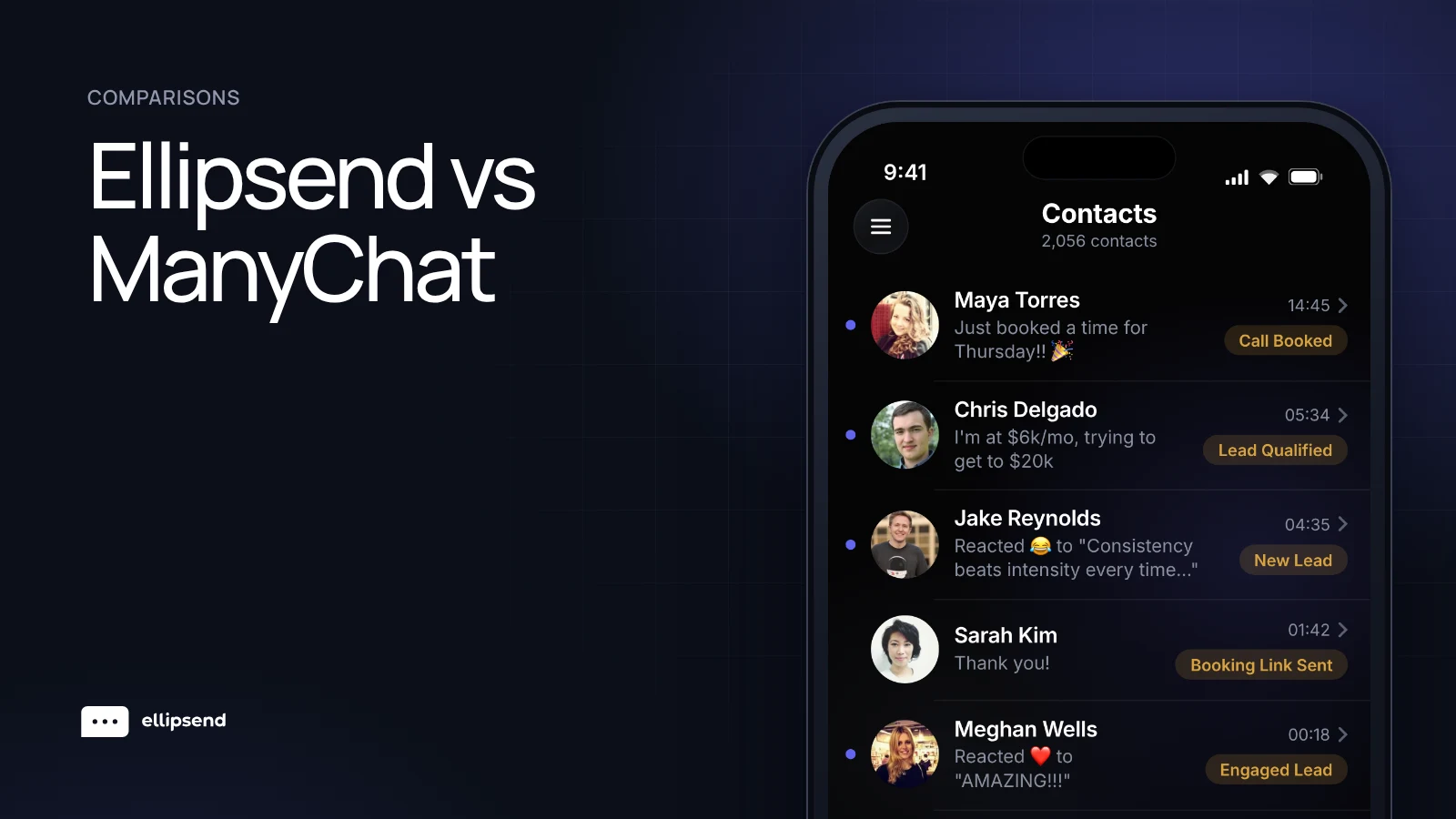
Ellipsend is the DM sales platform for setter teams. Keyword automations start the conversation and deliver what the lead asked for instantly, then your setters take over in a shared inbox where every lead sits in a pipeline stage. Speed to lead and follow-ups come from the same conversations, next to each setter's response rate and dollars per DM, so you can coach the right person.
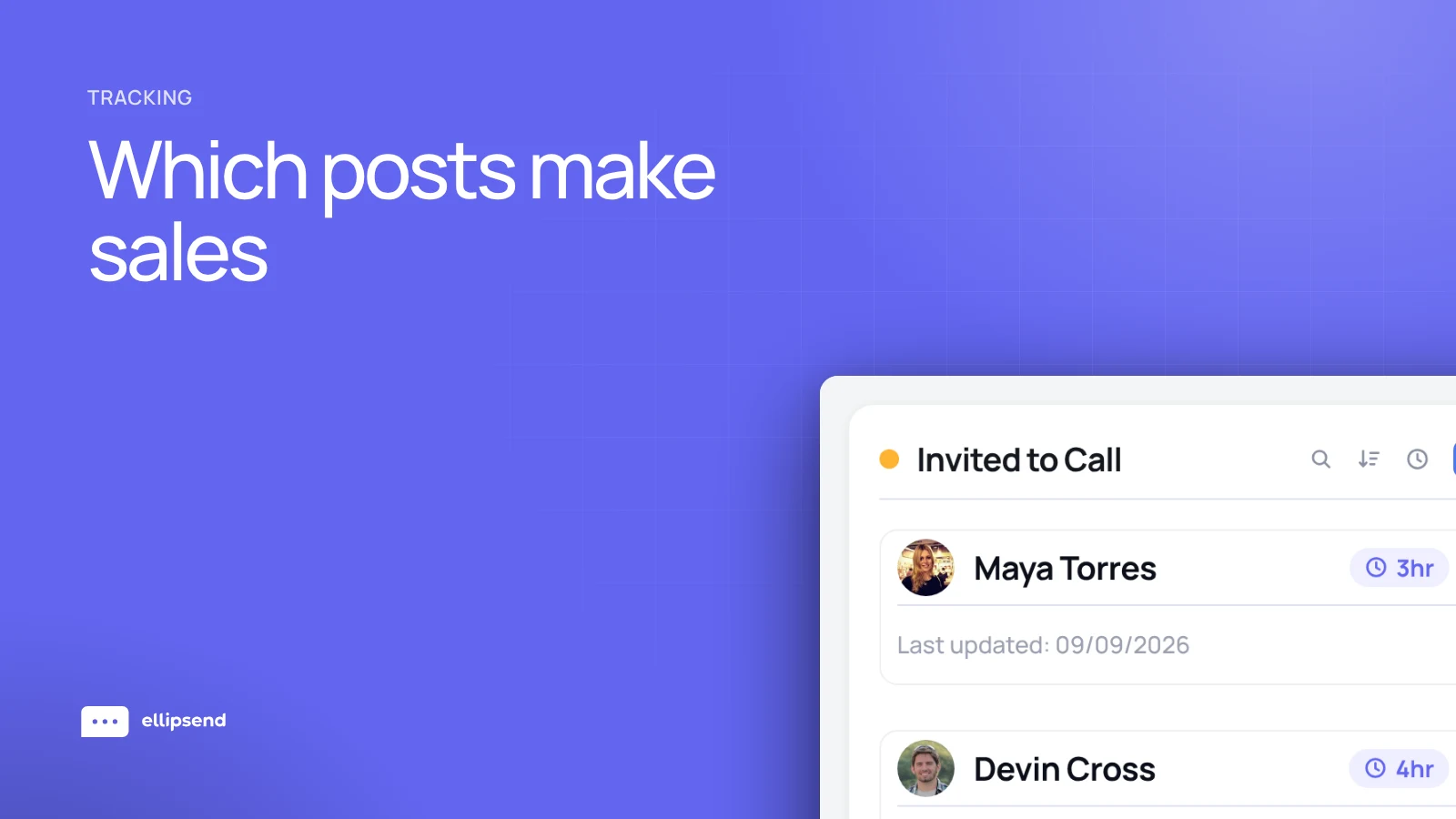
Bookings and sales you log can be traced back to the post, story or ad the lead came from, so you can make more of the content that sells.
Learn more about EllipsendFrequently asked questions
Is Ellipsend a ManyChat alternative?
Ellipsend is a ManyChat alternative for teams where human setters sell in Instagram and Facebook DMs. Both run keyword automations like comment-to-DM. Ellipsend adds a sales pipeline, per-setter reporting and revenue traced to the post each lead came from. ManyChat covers more channels, so creators who sell entirely through automations often fit ManyChat better.
Can I use ManyChat and Ellipsend at the same time?
Yes, ManyChat and Ellipsend can run on the same Instagram account. Set Ellipsend as the default routing app on your Facebook Page, give ManyChat permission to take control of conversations, and make sure the two tools never reply to the same keyword, or leads get double replies.
Does ManyChat have a sales pipeline?
ManyChat's documentation describes no sales pipeline or deal stages, as of October 2026. Contacts are organized with tags, custom fields and segments. Teams that need stages can build them from tags or push contacts into a separate CRM through Zapier or HubSpot.
Can ManyChat track revenue from Instagram posts?
ManyChat's current Analytics tab reports automation activity per Instagram post, including reach, engagement, sends, click-through rate and contacts captured. Its current docs don't describe revenue or sales tracking by post. Tracking revenue per post means tying each sale back to the lead and the post that brought them in, which Ellipsend can do through tracked button links and logged sales.
How much does ManyChat cost?
ManyChat's monthly prices for new accounts, as of October 2026, are Free at $0 for 25 contacts, Essential at $17 for 250, Pro at $39 for 2,500, Business at $99 for 7,500 and Advanced at $199 for 25,000. Billed annually, the paid plans work out to $14, $29, $69 and $139 a month. Going over the contact limit adds a per-contact fee. Prices exclude tax and vary by country.
Why do ManyChat automations stop after 24 hours?
ManyChat automations stop 24 hours after a contact's last message because of Meta's messaging rules, which apply to every tool on Meta's official API. Between 24 hours and 7 days, a person can still reply manually under Meta's Human Agent tag.
 Know which posts make you money
Ellipsend gives setter teams one DM inbox, a sales pipeline and revenue traced to every post.
Try Ellipsend